My Place event controls
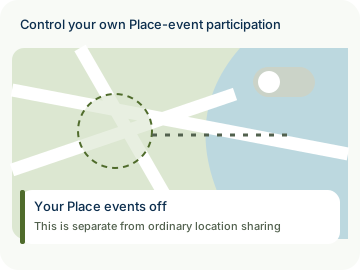
Choose whether your phone publishes ordinary Place arrival and departure events.
- Free
- Silver
- Gold
Understand My Place event controls.
Choose whether your phone publishes ordinary Place arrival and departure events.
Try it in the app
- Open Circle → Manage Circle → Safety & sharing tools.
- In Arrival & departure alerts, review Share my Place events for this Circle.
- Turn it off to stop future ordinary Place event publication. Review other Circles separately.
Example: Alex switches off their own Place events for Weekend friends. This does not delete an event that another member already received.
- Participation is voluntary. New optional collection or sharing for an under-13 member needs their actual parent’s authorization covering those purposes; an administrator role alone is not parental authority. Existing privacy rights and ordinary sharing choices remain separate.
- Private by design: this controls your own event publication, not another member’s consent or phone settings. Turning events back on does not revive stale queued events under a new authorization.

How to use My Place event controls
Illustrative walkthrough. Fictional examples, not a live app, real locations or a safety test. These controls never change your account, contact anyone, send an SOS, request location or make a network request.
- Where to open it
- Circle → Manage Circle → Safety & sharing tools
- What else is required
- In Arrival & departure alerts, review Share my Place events for the current Circle.
Review your audience
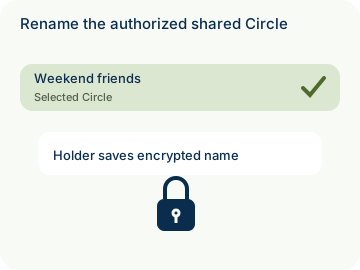
Alex selects Weekend friends before changing their own Place event setting.
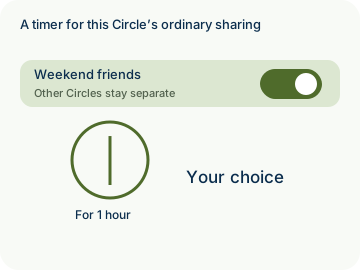
Scope: This Circle
Choose future publication
Turning off Share my Place events stops future ordinary arrival and departure event publication for that scope.
Your events: Off
Keep past and future separate
A later On choice cannot reauthorize old queued events. Already received events cannot be recalled.
Past events: No automatic recall
Stage 1 of 3. Paused.
Reduced motion is enabled. Use the stage buttons to explore at your own pace.